Nessus
Deploy with Docker
Section titled “Deploy with Docker”docker run -d --name nessus -p 8080:8834 tenableofficial/nessus:latestOpen https://localhost:8080/ on your browser
-> Select Nessus Essentials
-> Make and account or use your own activation code / credentials
Make a simple scan
Section titled “Make a simple scan”New Scan -> Basic Network Scan -> Fill in the name and target
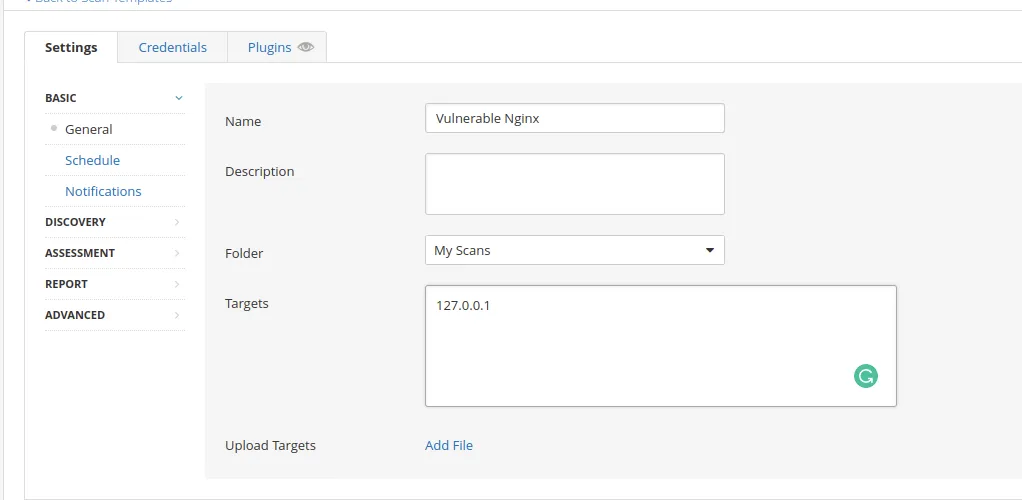
Discovery -> Select port scan (all ports) if necessary -> Save Scan

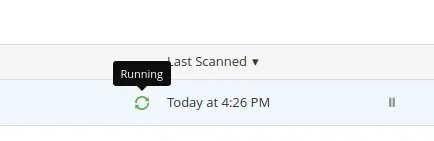
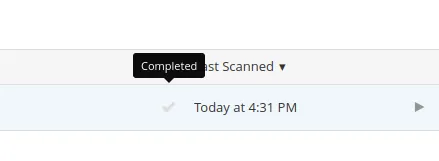
Run Scan
Section titled “Run Scan”
The scan can take a long time to complete.
Advanced Scan
Section titled “Advanced Scan”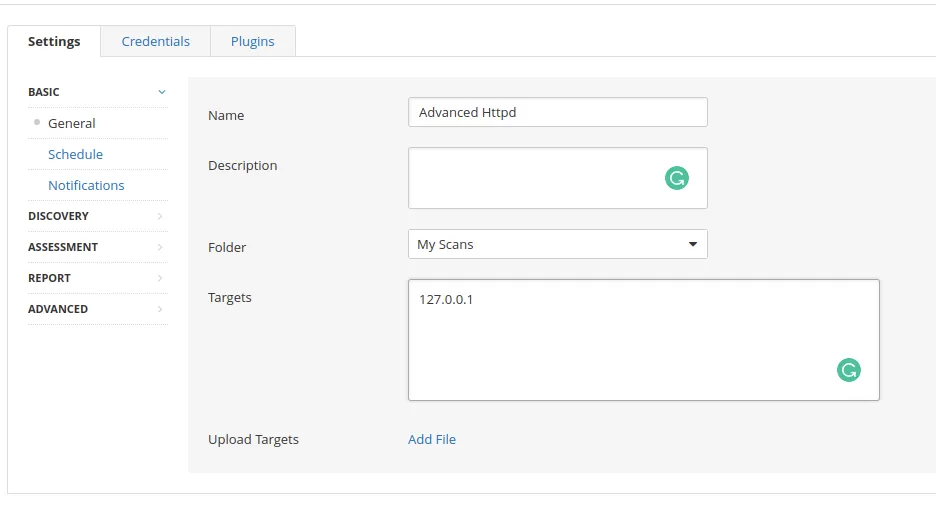
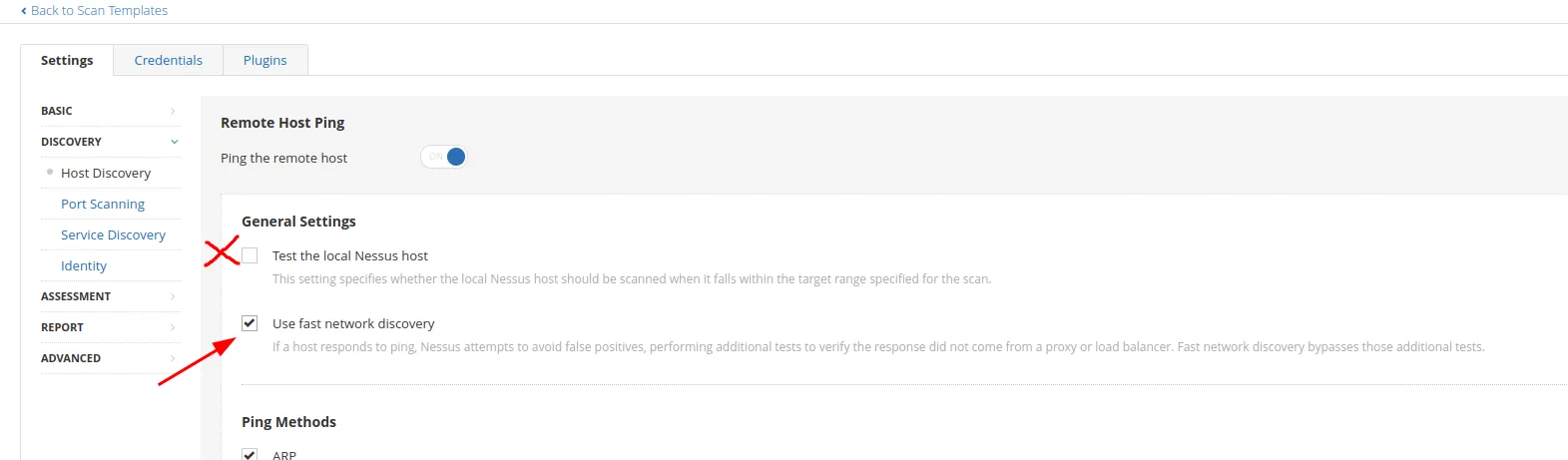
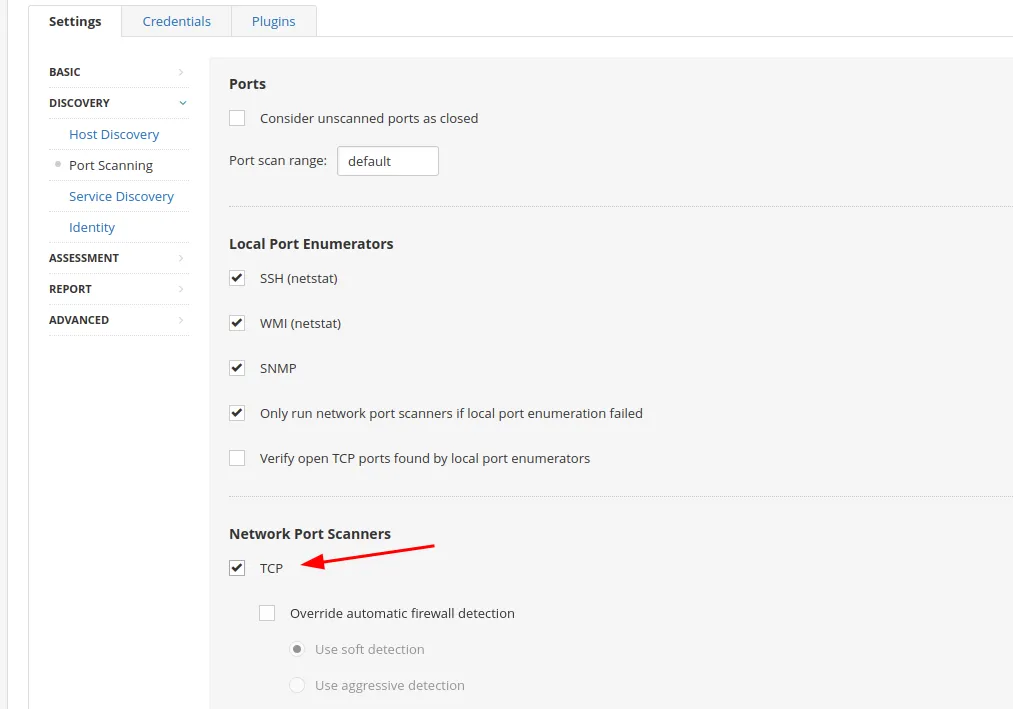
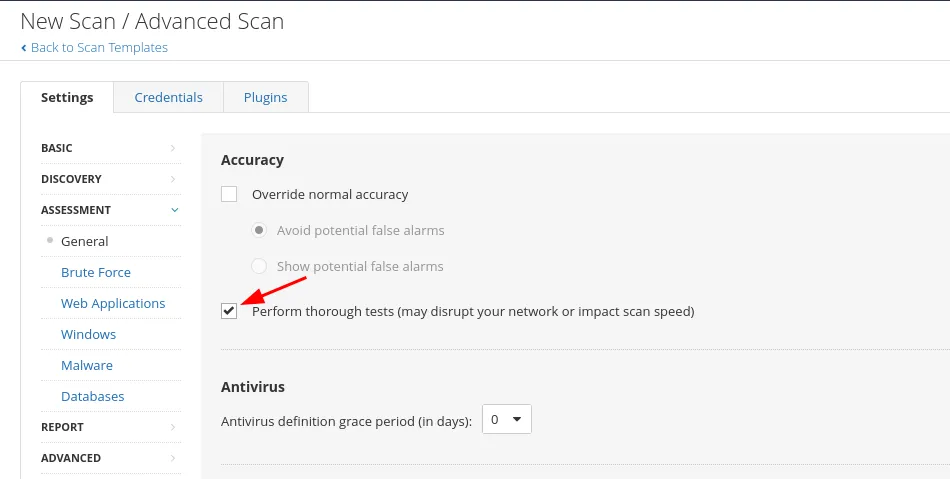
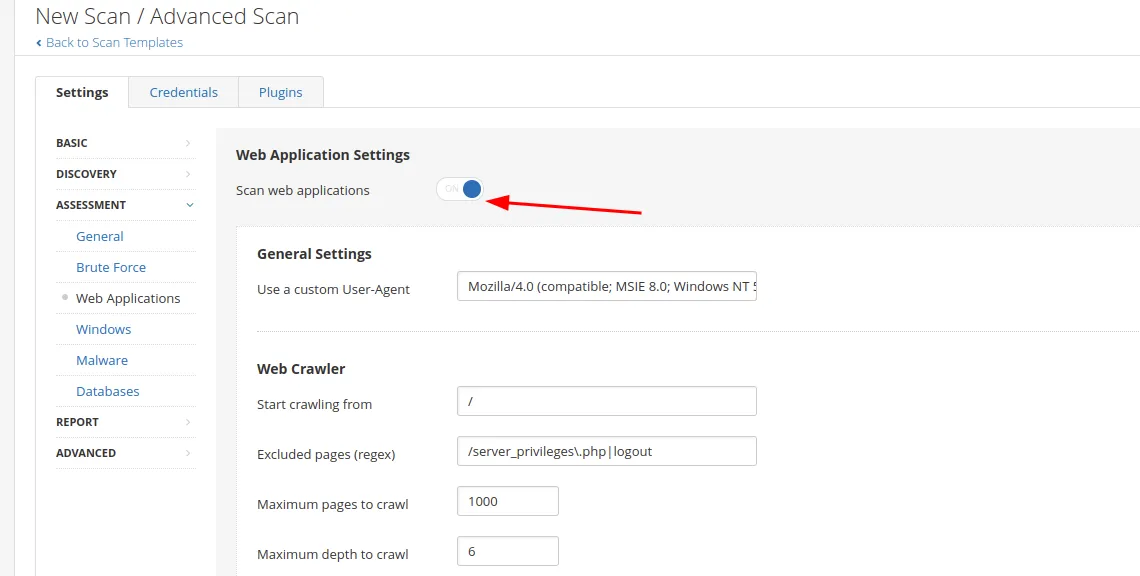
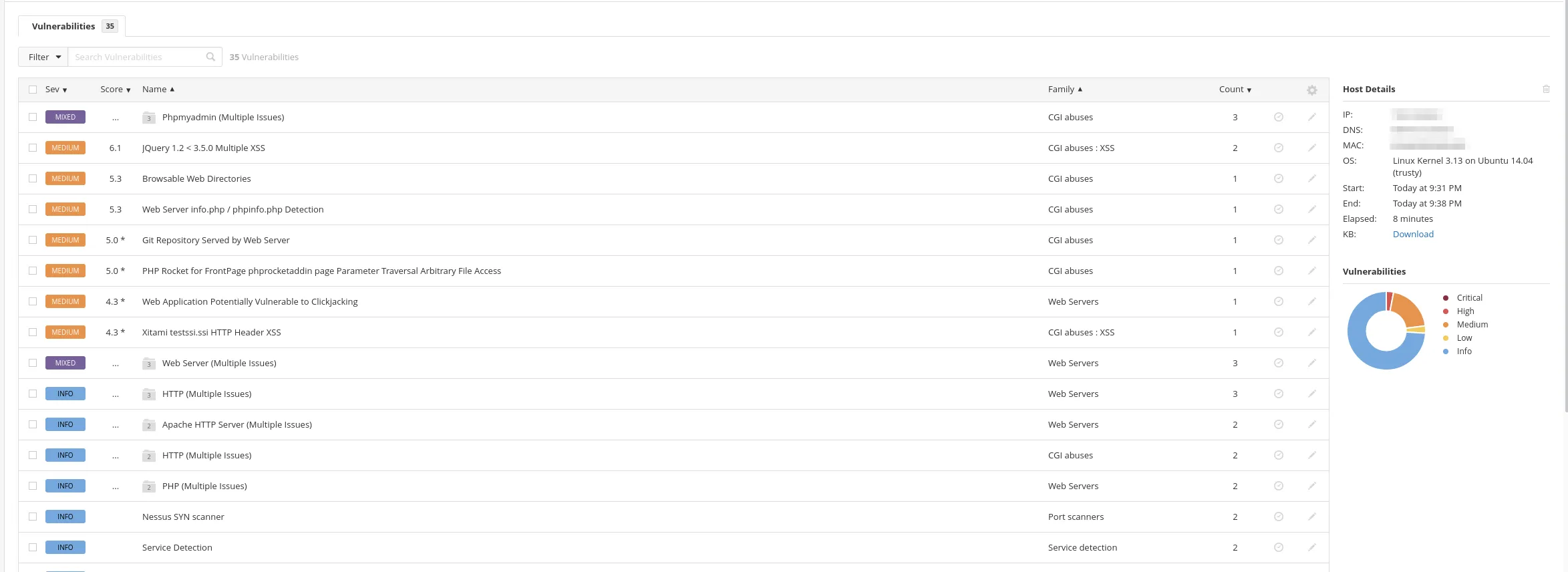
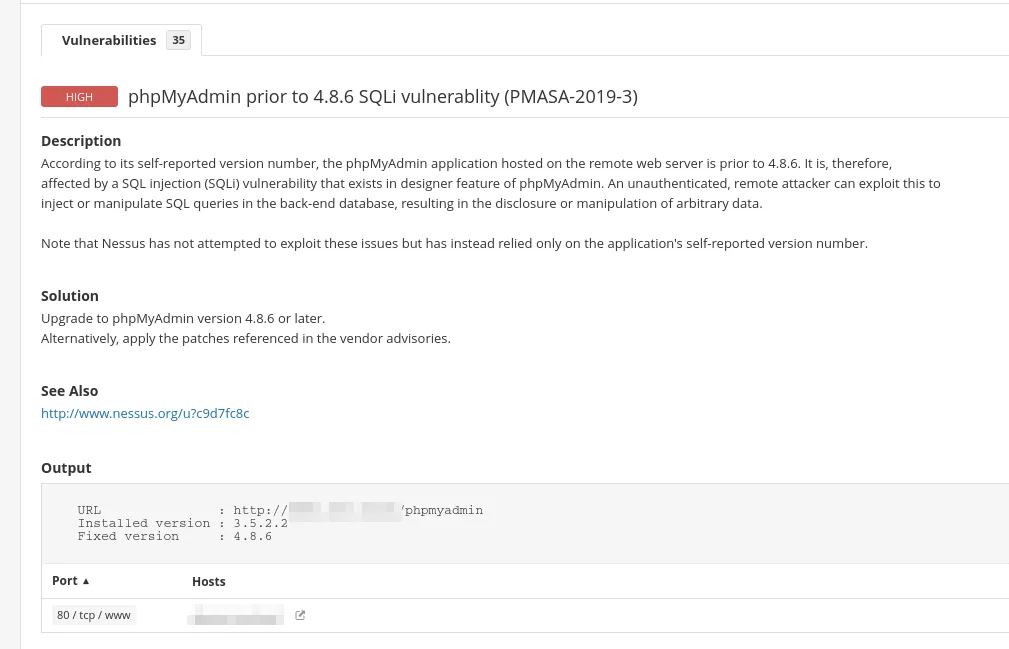
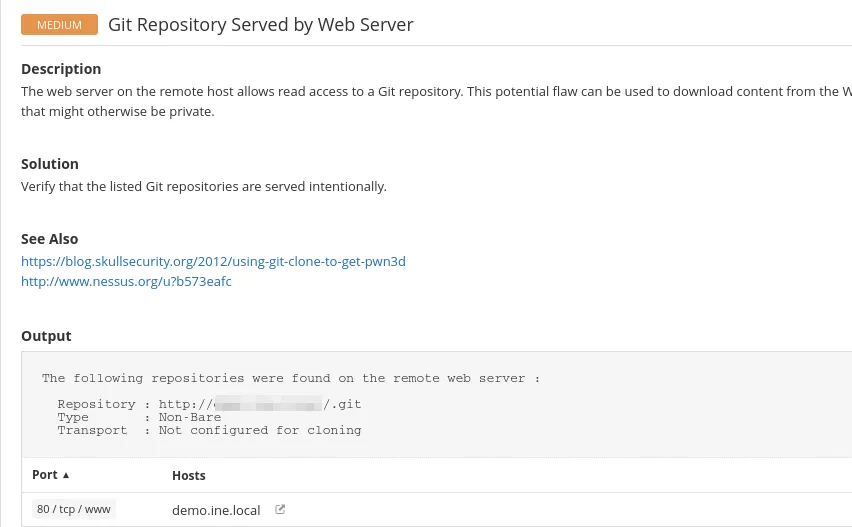
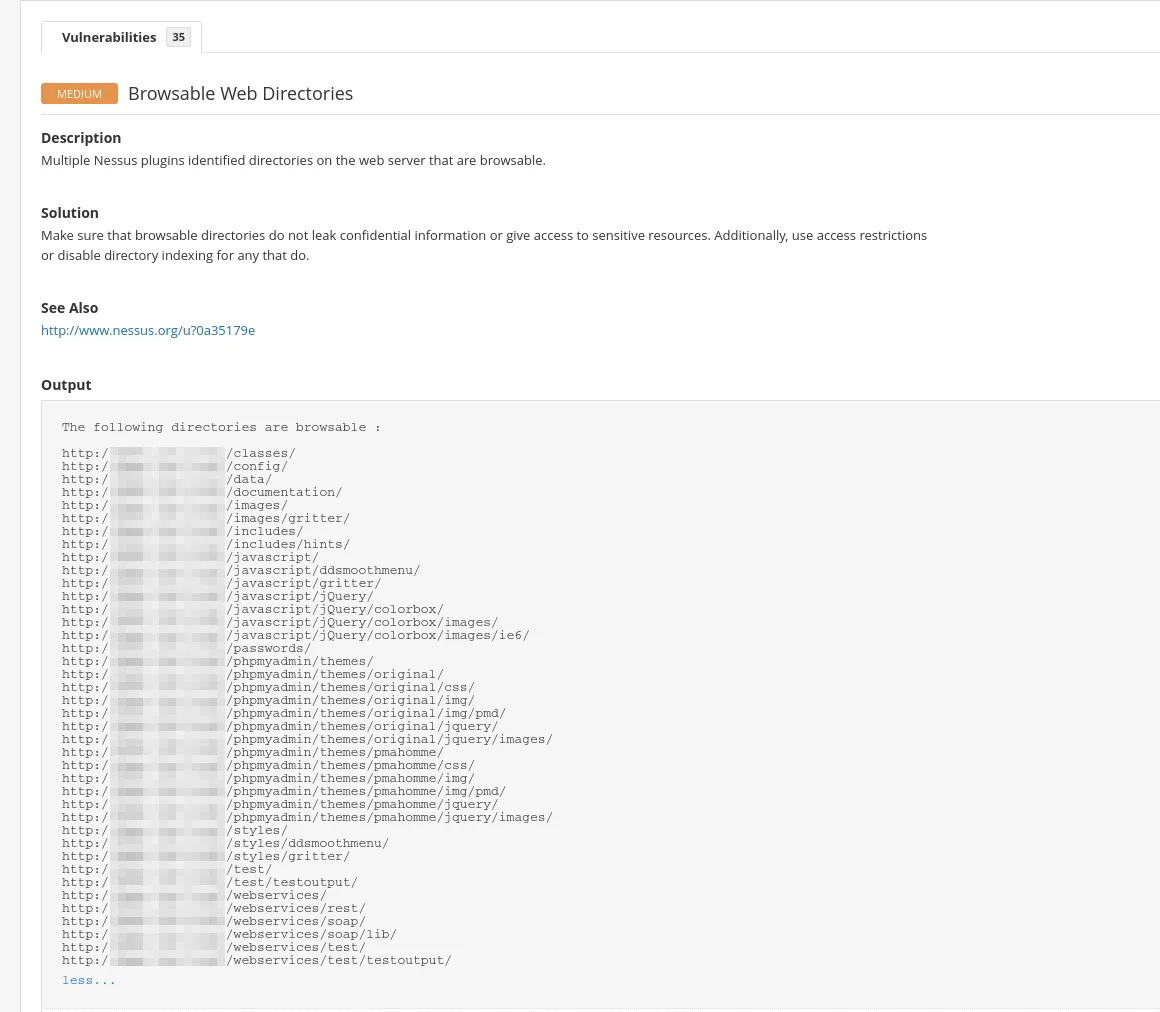
Results
Section titled “Results”